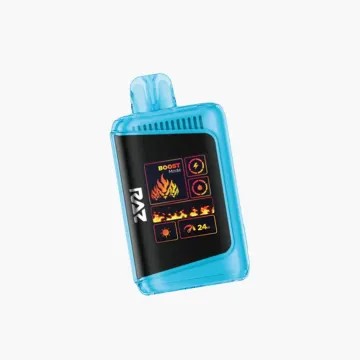
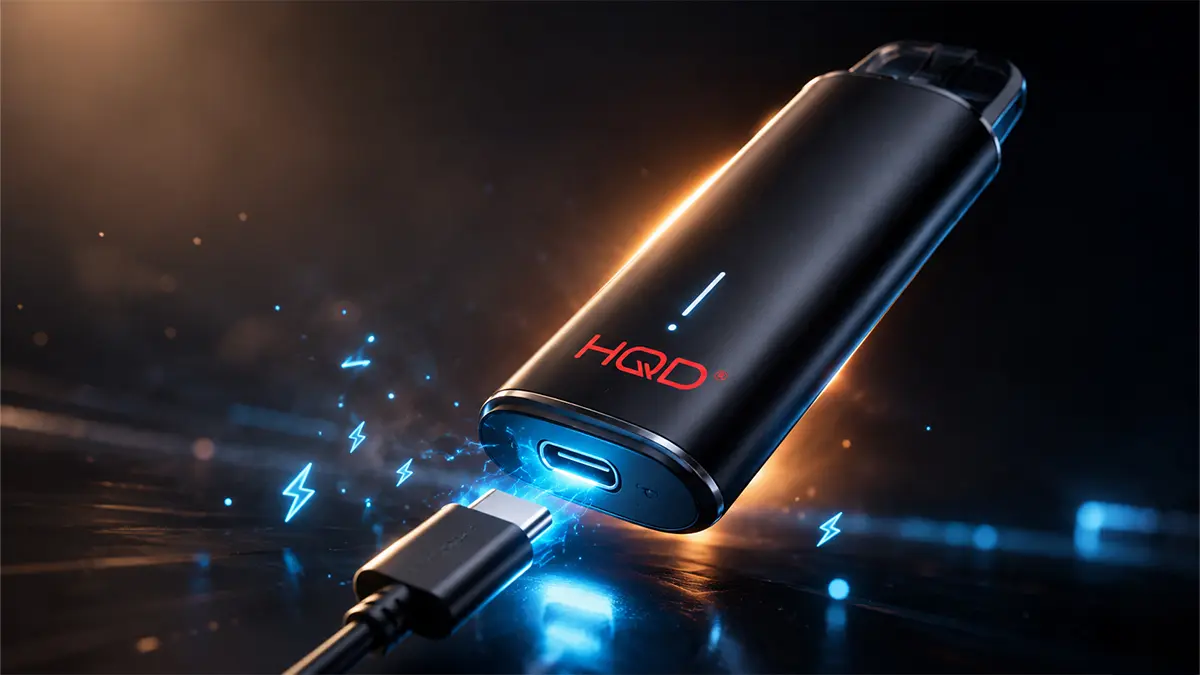
Most HQD vapes charge over USB-C. Plug a USB-C cable into the port on the bottom of the device, connect the other end to a low-amp USB wall adapter or a computer, and the screen or light will show that it's charging. A full charge usually takes about 30 to 60 minutes, depending on the model. Some HQD devices, like the Cuvie Slick 6000, are sealed and don't charge at all. Their battery is built to outlast the e-liquid, so there's no port. Below you'll find the safe step-by-step, notes for each HQD model we carry, and what to do if you don't have the right cable.
Key Takeaways
- Most HQD vapes use a USB-C port on the bottom. A full charge takes roughly 30 to 60 minutes.
- Use a proper USB-C cable and a low-amp adapter or a computer port. Skip fast-charge phone bricks and never jury-rig loose wires.
- The HQD Cuvie Slick 6000 isn't rechargeable. Its sealed battery lasts the full device, so there's no port.
- Don't charge overnight or leave a device unattended, and never charge one that's damaged, wet, or swollen.
- A blinking light usually means charging or low battery. A steady or off light usually means full. Screen models show an exact percentage.
What You Need to Charge an HQD Vape
Charging an HQD is simple, but the gear matters for safety. Here's the short list.
- A USB-C cable. Almost every rechargeable HQD uses USB-C, the same reversible connector most newer phones use. Any standard USB-C cable works.
- A safe power source. A computer USB port or a low-amp wall adapter (5V, 1A or 2A) is ideal. It charges the small battery gently.
- A dry, flat surface. Charge in the open where you can see the device, not under a pillow or in a bag.
Many HQD devices ship without a cable in the box, including the Everest 25K and the Snap Kit. So it's worth keeping a spare USB-C cable in your bag or by your desk.
A quick note on adapters
You don't need a powerful charger for a vape. These batteries are small, often under 1,000mAh. A basic USB port or a low-amp phone adapter is a better match than a high-wattage fast charger. Gentle charging is easier on a small battery and helps it last.
How to Charge an HQD Vape: Step by Step
This works for any rechargeable HQD, from the Cuvie Bar 7000 up to the Everest 25K.
- Find the charging port. Flip the device over. The USB-C port sits on the bottom edge on most HQD models.
- Plug in the USB-C cable. The connector is reversible, so it fits either way. Push it in gently until it seats.
- Connect to a safe power source. Use a computer USB port or a low-amp wall adapter. Avoid high-speed fast chargers.
- Watch for the charging signal. A light will blink or glow, or the screen will show a charging animation. That confirms power is flowing.
- Wait until it's full. Most HQD devices charge in 30 to 60 minutes. On screen models, wait for 100%. On light-only models, the light goes steady or off.
- Unplug and vape. Once it's full, disconnect the cable. Don't leave it plugged in longer than it needs.
If nothing lights up, try a different cable or USB port first. A worn cable is the usual culprit. If it still won't charge, don't force it. Skip to the safety section below.
HQD Charging by Model
Most HQD vapes charge the same way, but battery sizes and displays differ. Here's the model-by-model breakdown for every HQD we carry, so you know what to expect. All specs come straight from each product page.
| HQD Device | Port & Battery | Charge Time |
|---|---|---|
| Cuvie Slick 6000 | None (sealed 1,400mAh) | Not rechargeable |
| Cuvie Bar 7000 | USB-C, 550mAh | About 60 min |
| Mars 8000 | USB-C, 650mAh, LED level | About 1 hour |
| Cuvie Plus 2.0 | USB-C, 600mAh, LCD screen | Roughly 45 to 60 min |
| Shisha 20K | USB-C, 850mAh, LED screen | About 30 to 45 min |
| Everest 25K | USB-C, 850mAh, touch screen | About 45 to 60 min |
| Snap 50K Kit | USB-C, 1,050mAh dual battery | About 60 min |
HQD Cuvie Plus 2.0
The HQD Cuvie Plus 2.0 charges over USB-C on a 600mAh battery. It has an LCD screen, so charging is easy to track. The display shows your battery level as it fills, and you just unplug when it reads full. The 18mL tank outlasts a single charge, so you'll top it up a few times before the juice runs out. Quick reminder: the "2.0" is the device version, not a 2% nicotine level. This device is 5% (50mg).
HQD Cuvie Slick 6000
The HQD Cuvie Slick 6000 is the odd one out. It doesn't charge, and there's no USB-C port to look for. Its 1,400mAh battery is sized to last the entire 6,000 puffs, so the juice runs out before the power does. If your Slick stops firing, it's done. That's by design, not a fault. There's nothing to plug in.
HQD Cuvie Bar 7000 and Mars 8000
The Cuvie Bar 7000 uses a 550mAh USB-C battery and charges in about an hour. The Mars 8000 steps up to 650mAh and adds LED level indicators for both battery and e-liquid. A quick glance at the Mars tells you when it's time to plug in. Both charge the same way with any standard USB-C cable.
HQD Shisha 20K and Everest 25K
These larger devices both run 850mAh USB-C batteries. The Shisha 20K has an LED screen showing puff count and battery, and it charges fast, in roughly 30 to 45 minutes. The Everest 25K uses a touch screen that shows battery and e-liquid remaining at a glance. A cable isn't always in the Everest box, so keep a USB-C cable handy.
HQD Snap 50K Kit
The HQD Snap 50K Kit is modular. It carries a 1,050mAh dual battery, split between an 850mAh reusable power bank and a 200mAh pod. It charges over the same USB-C port most phones use. Because the power bank is reusable, you keep it and just snap on a new pod when you want a fresh flavor. One note on this device: the Snap runs on Nixodine, a nicotine alternative, not standard nicotine.
No Charger? How to Charge an HQD Safely
The good news is that HQD uses USB-C, the most common cable out there. If you don't have the exact cable that came with your device, here's how to handle it.
- Grab any USB-C cable. Your phone, laptop, tablet, or headphones almost certainly use one. Any standard USB-C cable will charge your HQD.
- Borrow a computer port. No wall adapter? A laptop or desktop USB port works fine and charges gently.
- Ask a friend or check a drawer. USB-C cables are everywhere now. You likely have a spare within reach.
What you should never do is jury-rig a charger. Don't strip a cable, poke loose wires into the port, or wedge in the wrong connector. That's a real fire and battery risk, and it can ruin the device. If you don't have USB-C on hand, wait until you do. A short delay is a lot safer than a damaged battery.
What the Charging Light and Screen Mean
HQD models signal their status differently. Some use a small light, others use an LED or touch screen. Here's how to read them.
- Blinking light: On most light-only HQD models, a blinking light means the device is charging or the battery is low. It's a normal working signal.
- Steady or off light: When the light stops blinking, holds steady, or turns off, the battery is usually full. Time to unplug.
- Screen models: The Cuvie Plus 2.0, Shisha 20K, Mars 8000, and Everest 25K show battery level directly. Wait for full or 100%, then disconnect.
- Rapid blinking during use: If a light flashes several times while you're vaping (not charging), the battery is low and needs a charge.
Signals vary a little between models, so check your device's packaging if a pattern looks unfamiliar. When in doubt, a screen model removes the guesswork entirely.
Charging Safety: Do's and Don'ts
These are small lithium batteries, and a few habits keep them safe. None of this is complicated.
- Do use a proper USB-C cable and a low-amp adapter or computer port.
- Do charge on a hard, dry surface where you can see the device.
- Do unplug once it's full. Overcharging offers no benefit and adds wear.
- Don't charge overnight or leave a device unattended. Charge it while you're around.
- Don't charge a device that's wet, cracked, swollen, or getting hot. Stop and set it aside.
- Don't use damaged or frayed cables, and don't leave a device charging in a hot car.
If a device gets warm to the touch during a normal charge, that's usually fine. If it gets genuinely hot, swells, or smells off, unplug it right away and move it somewhere safe. A device that won't charge after a good cable and port is telling you it's near the end of its life.
How Long Should You Charge an HQD?
Most HQD vapes reach a full charge in about 30 to 60 minutes. Smaller batteries like the Cuvie Bar 7000's 550mAh cell finish near the top of that range, while the fast-charging Shisha 20K can wrap up in around 30 to 45 minutes. You don't need to leave it plugged in longer than that.
You also don't have to wait for a full charge to vape. A few minutes on the cable is often enough for a session. On screen models, just watch the battery percentage and unplug whenever you're ready. To learn how far each charge stretches, see our guide on how many puffs an HQD vape lasts.
Frequently Asked Questions
How do you charge an HQD vape without the charger?
Use any standard USB-C cable, since that's what nearly every rechargeable HQD uses. Plug it into a computer USB port or a low-amp wall adapter, and the device will start charging. You likely already own a USB-C cable from a phone, laptop, or tablet. Never strip wires or jury-rig a charger. That's a fire and battery risk, so wait until you have a proper cable.
How long does it take to charge an HQD vape?
Most HQD vapes charge fully in about 30 to 60 minutes. Smaller devices like the Cuvie Bar 7000 (550mAh) take close to an hour, while the Shisha 20K can finish in roughly 30 to 45 minutes. Charge time depends on the battery size and how drained it is. On screen models, just wait for the display to read full or 100%, then unplug.
Can you overcharge an HQD vape?
Modern HQD devices have charging circuits designed to stop drawing power once the battery is full, so brief extra time on the cable won't harm them. Still, it's smart to unplug when it's done and avoid charging overnight or unattended. Leaving any lithium battery on a charger for long stretches adds unnecessary wear. Charge it while you're nearby, then disconnect.
Why is my HQD vape blinking when I charge it?
On most HQD models, a blinking light means the device is actively charging or the battery is low. When charging finishes, the light usually goes steady or turns off. If your HQD blinks rapidly while you're vaping instead of charging, that signals a low battery that needs a charge. Signals vary by model, so check your packaging if a pattern looks unfamiliar.
Why won't my HQD vape charge?
Start with the cable and power source, since a worn cable is the most common cause. Try a different USB-C cable and a different USB port or adapter. Make sure the port is clean and free of lint. If it still won't charge after a known-good cable and port, the battery may have reached the end of its life. Don't force it or try to open the device.